Versions & instances
Pick a version and loader. DCL handles the rest.
Browse releases, snapshots, and historical builds. Keep Java, memory, and each instance under control.
 DCLDawn Craft Launcher
A focused launcher for game versions, community resources, multiplayer, skins, and an offline seed map. Fewer detours between download and play.
DCL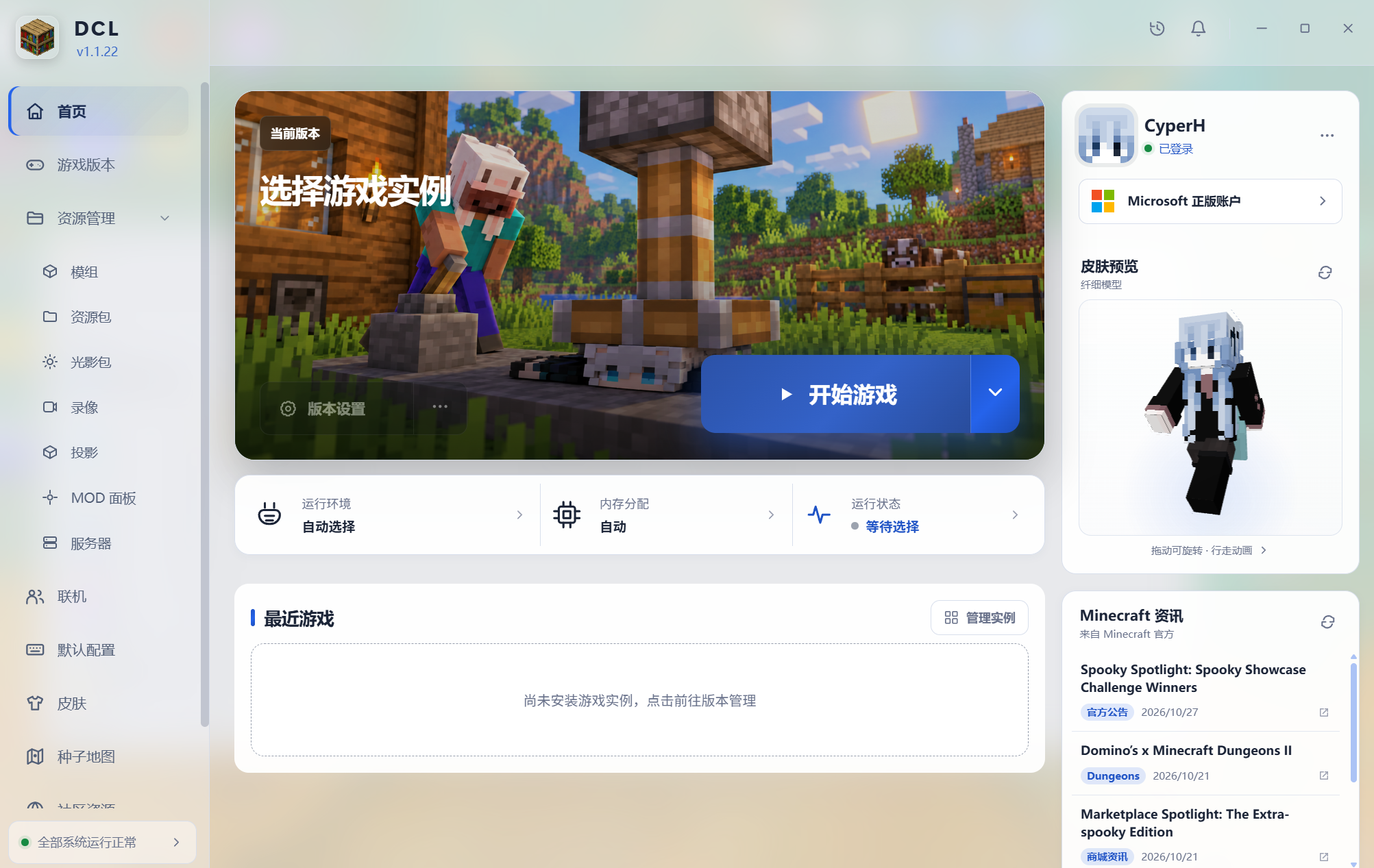
DCL turns common tasks into one clear path while keeping advanced control over instances, runtimes, memory, and compatibility.
Browse releases, snapshots, and historical builds. Keep Java, memory, and each instance under control.
Find mods, modpacks, resource packs, shaders, and data packs with version-aware filters.
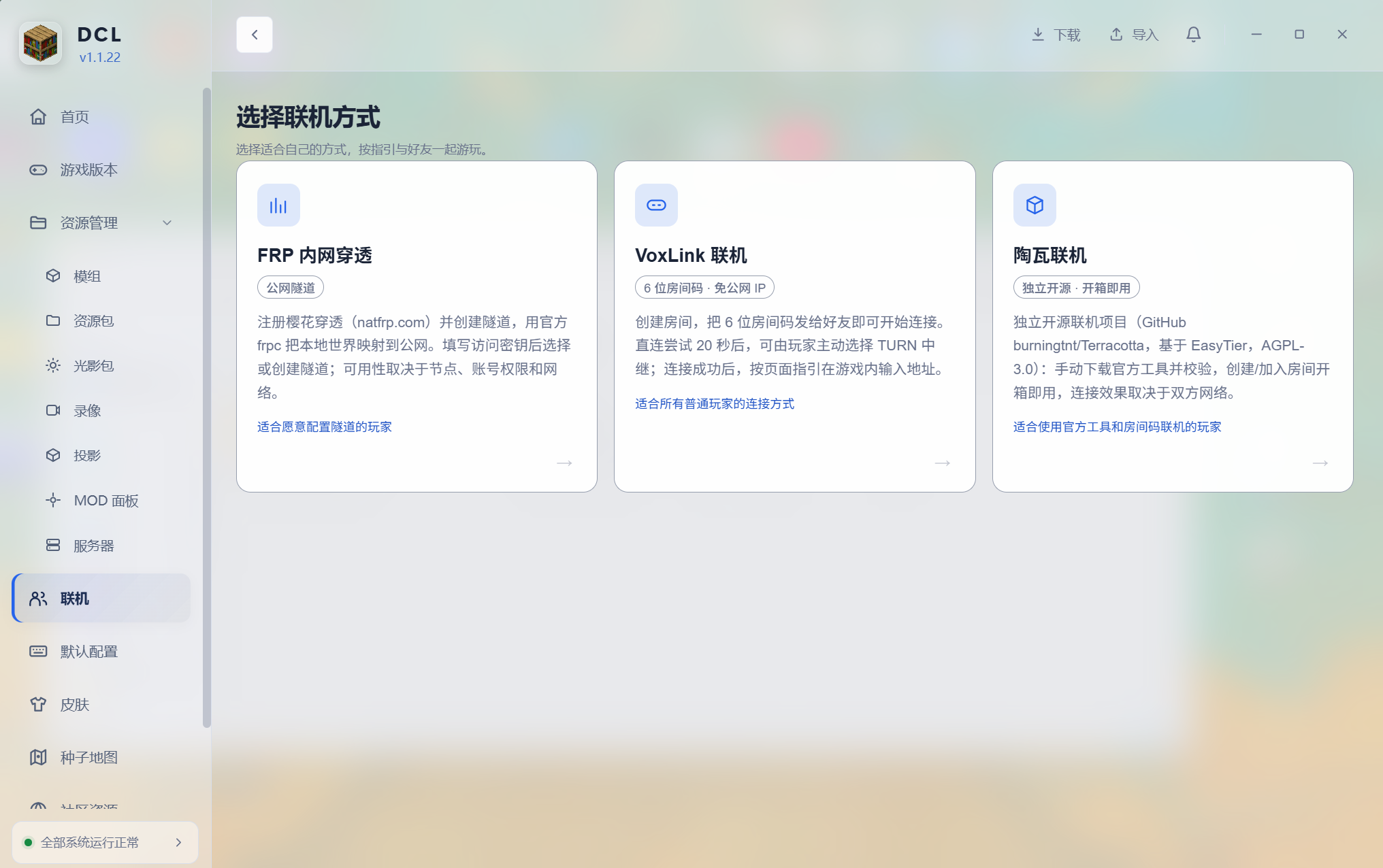
FRP tunnels, VoxLink room codes, and Terracotta are available side by side.
Classic and slim models, animated 3D previews, official uploads, and version history.
Set field of view, mouse sensitivity, and common preferences with version checks.
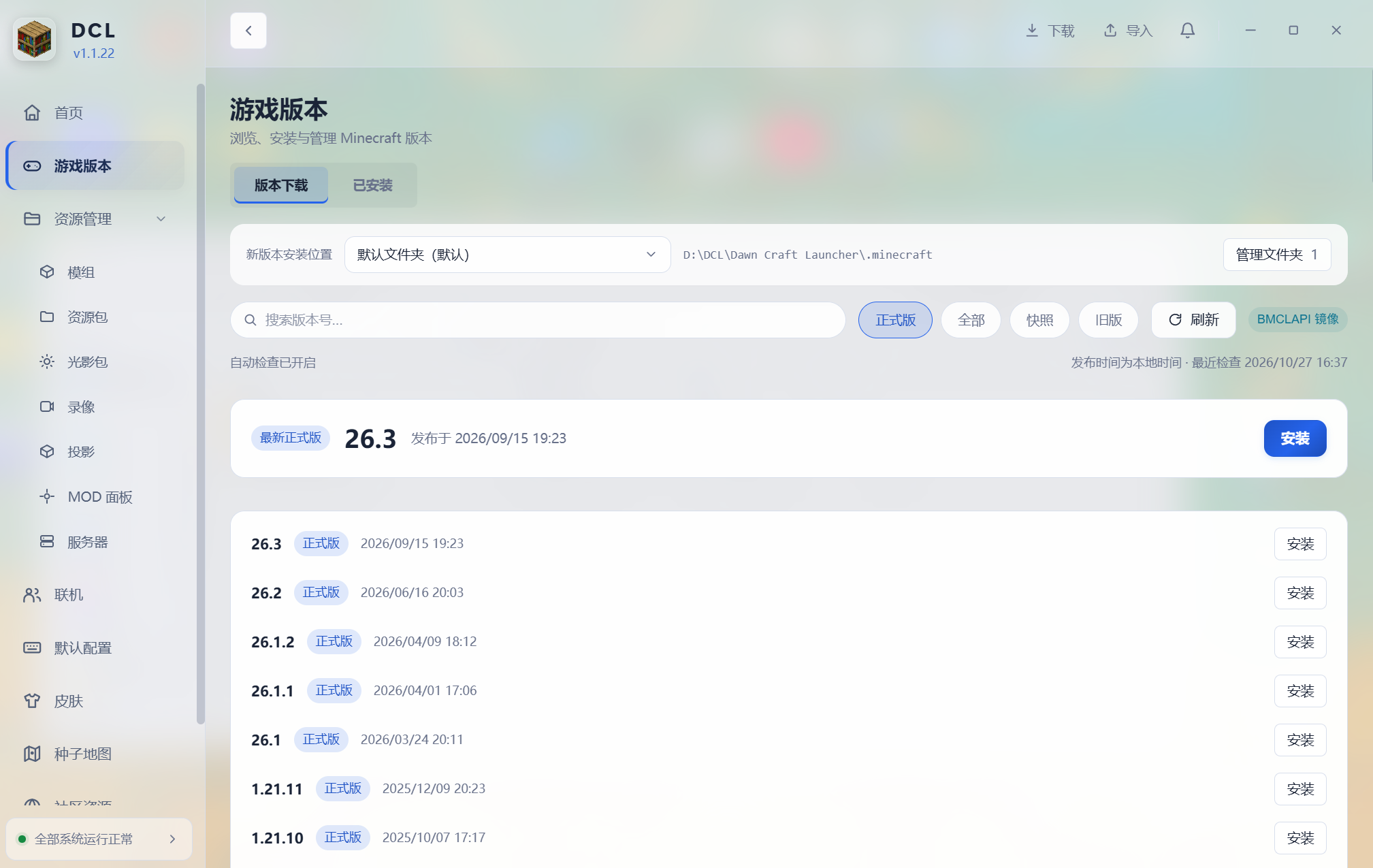
Browse releases, snapshots, and historical builds, then add Fabric, Forge, NeoForge, or Quilt. Installation progress and existing instances stay together.
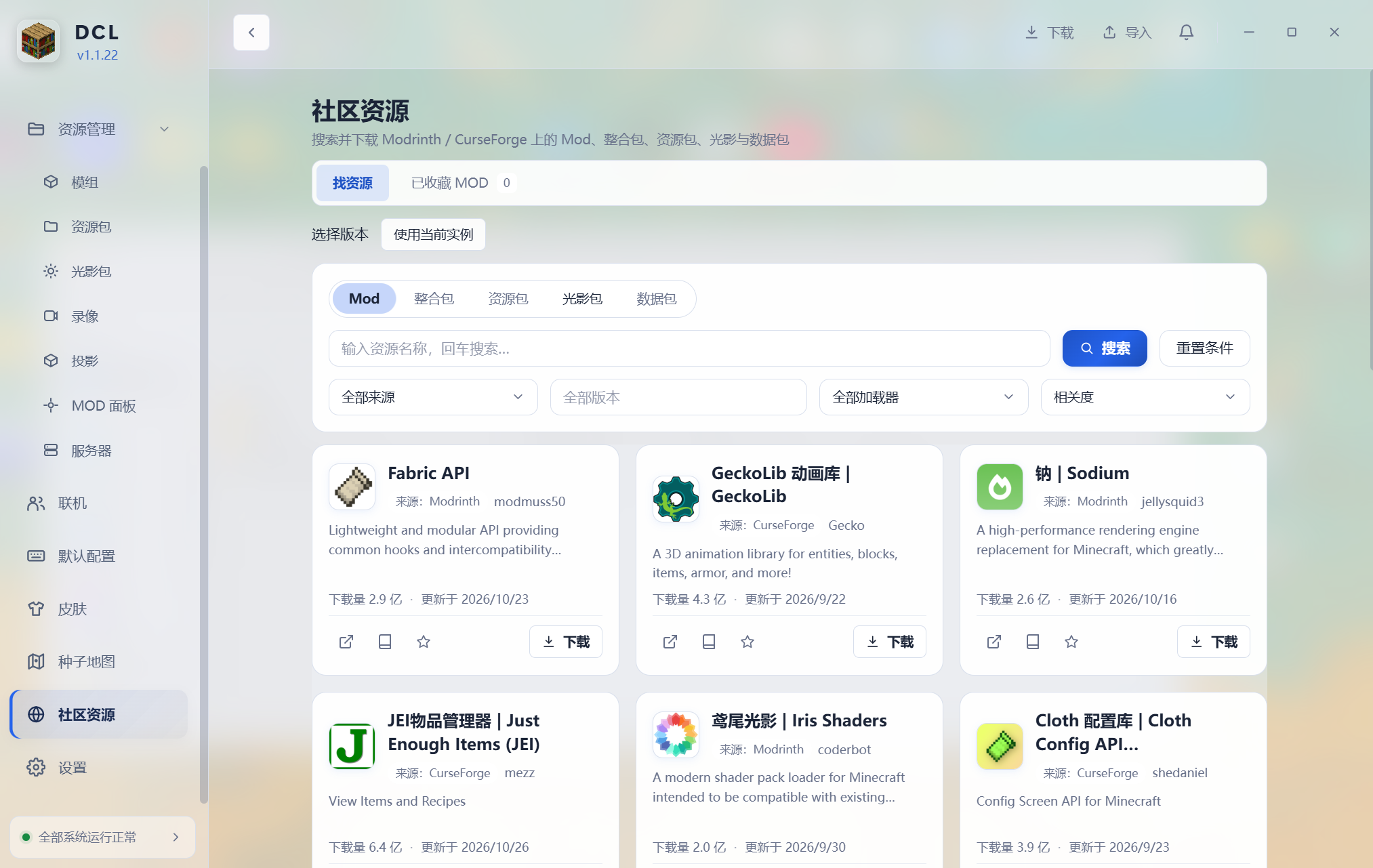
Search Modrinth and CurseForge inside DCL, filter by version, loader, and source, then install each item in the right place.
DCL offers three distinct routes instead of forcing every player through the same workflow. Pick the one that fits your environment.
Every image below comes from the current v1.1.22 build.
See instances, runtime, memory, accounts, skins, and official news at a glance.
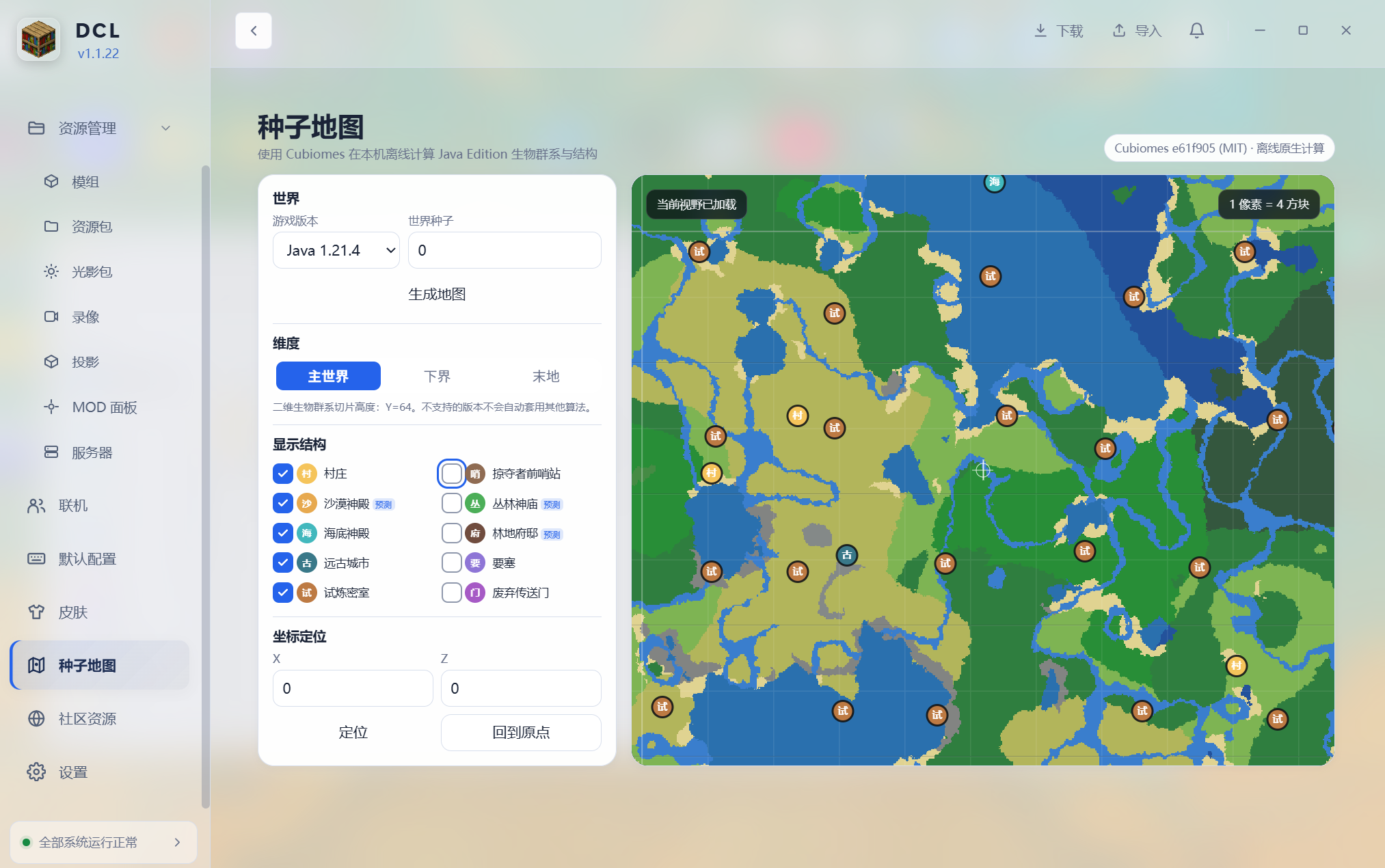
Enter a Java seed and calculate biomes and structures locally. Pan, zoom, jump to coordinates, and filter villages, temples, ancient cities, trial chambers, and more.
Players who own Minecraft can sign in with Microsoft device code authorization. For local instances, create an offline account instead. Switch between accounts at any time; settings, cache, and logs stay in %APPDATA%\DCL.
Current version v1.1.22 · Windows x64 · Development source included with the installer